


Needs your account there
Signal
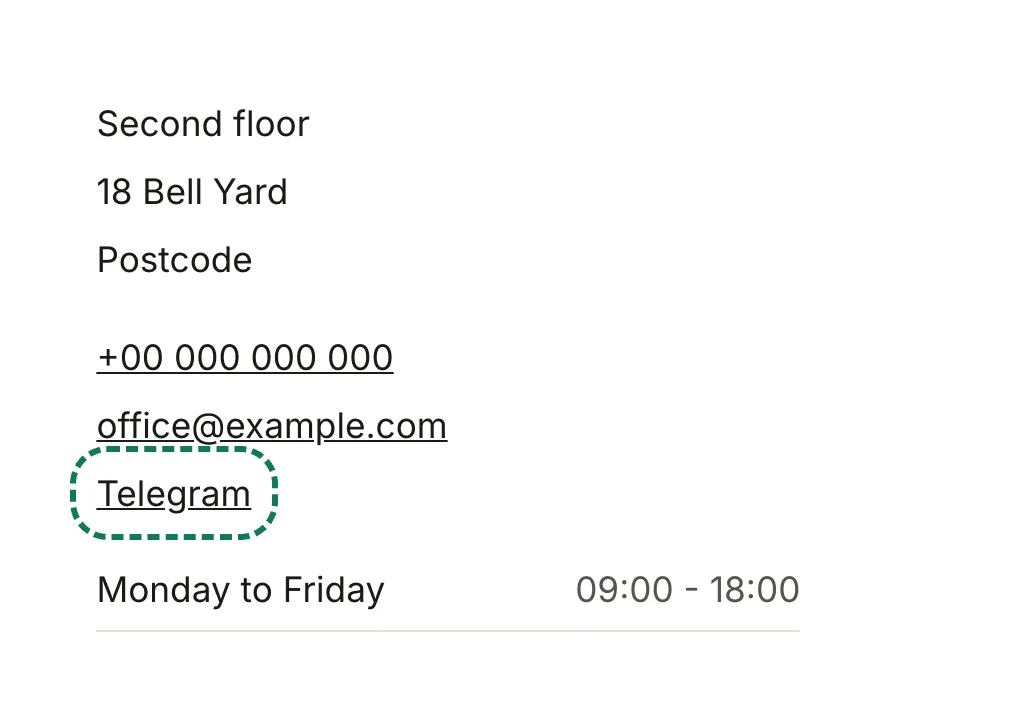
A link beside your contact details that opens a chat with you.
Run by Signal Technology Foundation · signal.org
Add to my websiteOpens the Tsurito app with the request started for you.
Nothing opened? You need the Tsurito app. Download it, or copy the request below and paste it to your assistant.
What your visitors see
A link that opens a conversation with you in the app they use.
What you need
Your public username or link, such as https://signal.me/#eu/…. It is an address on signal.me; nothing else is accepted, so a mistyped address cannot send your visitors elsewhere.
Nobody asks you for a password or a key. If something does, it is not us.
How to add it
- In the Tsurito app, open your website and choose Edit, then Plugins, Add a plugin and Signal. Paste the address and choose Add it.
- Or ask your assistant, in your own words or with these:
Please add a Signal link to my website. My public username or link: …
. It asks for anything missing. You can also open it in Tsurito and the request is started for you. - Publish your website. The link shows beside your telephone and email.
Please add a Signal link to my website. My public username or link: …
Copied
What it costs
Free.
What leaves your website
Nothing, until a visitor clicks the link.
Changing it later
In the Tsurito app, Edit, Plugins, Signal. See every plugin.